Free meal plan generator for dietitians
 By Javier Alvarez · Updated · 3 min read
| Price | Free |
|---|---|
| What you type | Calories, condition, diet pattern, meals per day, number of days |
| What you get | Day by day meals with photos, kcal and macros, and a grocery list |
| Editing | Swap any meal for another recipe from the catalog |
| Sharing | Copy the plan as text or send the client a link |
| Signup | An email address to see the first plan; no account |
| Privacy | Describe the client, never identify them: no names, dates of birth or record numbers |
Open the free meal planner. It opens in a new page at mealplanner.farela.ai, the address it had before we renamed Farela to Duo Practice.
A meal plan from a blank page means picking recipes, hitting a calorie target, balancing the macros and then building the grocery list. The meal planner drafts that in seconds, so your time goes to the part that needs a dietitian: checking it against the client in front of you.
How it works
- Describe the client. Calories, the condition you are planning around, the diet pattern (Mediterranean, vegetarian, high protein), meals and snacks per day, and how many days. If you leave something out, it asks.
- Read the draft. The plan opens in a panel next to the chat: one card per meal with a photo, calories, protein, carbohydrates and fat, and a grocery list for the whole plan in a second tab.
- Fix what you'd change. Swap any meal for another recipe from the catalog, or ask for a change in the chat ("lower the sodium at dinner", "no fish").
- Hand it over. Copy the plan as text into your notes or your client portal, or create a link the client can open on a phone.
Four example requests are one click away if you want to see what it does first: a 1,800 kcal plan for type 2 diabetes, a high-protein vegetarian day, a PCOS plan with a grocery list, and a 2,200 kcal Mediterranean day.
Before a plan reaches a client
The planner picks recipes and adds up the numbers. It doesn't know the client's labs, medications, allergies or what they actually like to eat, so a plan becomes your nutrition intervention only after you check it against your assessment. What it can't see:
- The targets from your assessment beyond the calories you typed, such as carbohydrate per meal for a client on insulin.
- Lab-driven limits, for example sodium, potassium and phosphorus for a client with chronic kidney disease.
- Allergies and intolerances, unless you name them in the request.
- Whether the client can buy and cook these foods on their budget and schedule.
When you document the visit, the plan belongs in the intervention part of your note. The ADIME note example shows where it goes, and the PES statement builder writes the diagnosis line that the plan answers.
Keep client details out of it
Describe the client, never identify them. Type "woman, 52, type 2 diabetes, 1,800 kcal", not a name, a date of birth, an address or a record number. Those are among the 18 identifiers HHS lists for de-identified health information, and a meal plan doesn't need any of them. Your request goes to our server and to an AI model that picks the recipes, so treat the chat box like any other tool outside your EHR.
Where it fits with the rest of your week
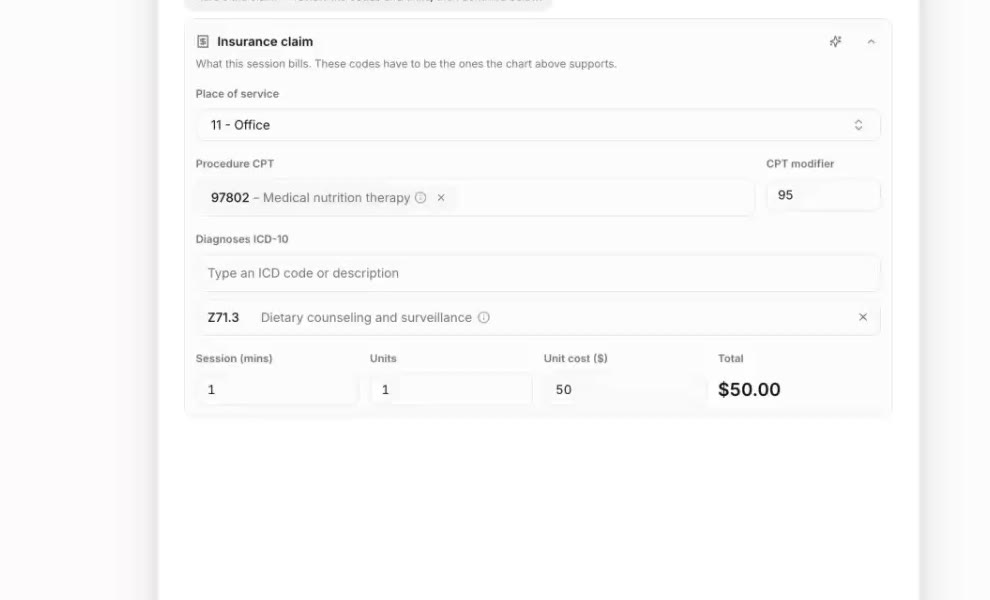
The meal planner covers one task. If most of your revenue is insurance, the bigger time sink is usually after the visit: the note, the codes and the claim. Our other free tools cover those steps one at a time, from the CPT code finder to the MNT units calculator and the claim denial checker. Duo Practice does them together from the recorded visit: it drafts the note and the claim, and you review it and press Submit. The free EHR comparison explains what the free part includes.
Duo Practice drafts the MNT note and the insurance claim from each recorded visit, for you to review and submit. Try Duo Practice free